Internet Ping Test: Ping, Latency and Jitter Explained
- Primary Signal: Internet Ping Test: Ping, Latency and Jitter Explained
- Overview: A ping test measures round-trip delay in milliseconds. This guide explains ping, latency, jitter and packet loss, and what the numbers mean....
- Verification: Analyzed and compiled by ViralBuzz 168 editorial monitoring desk.
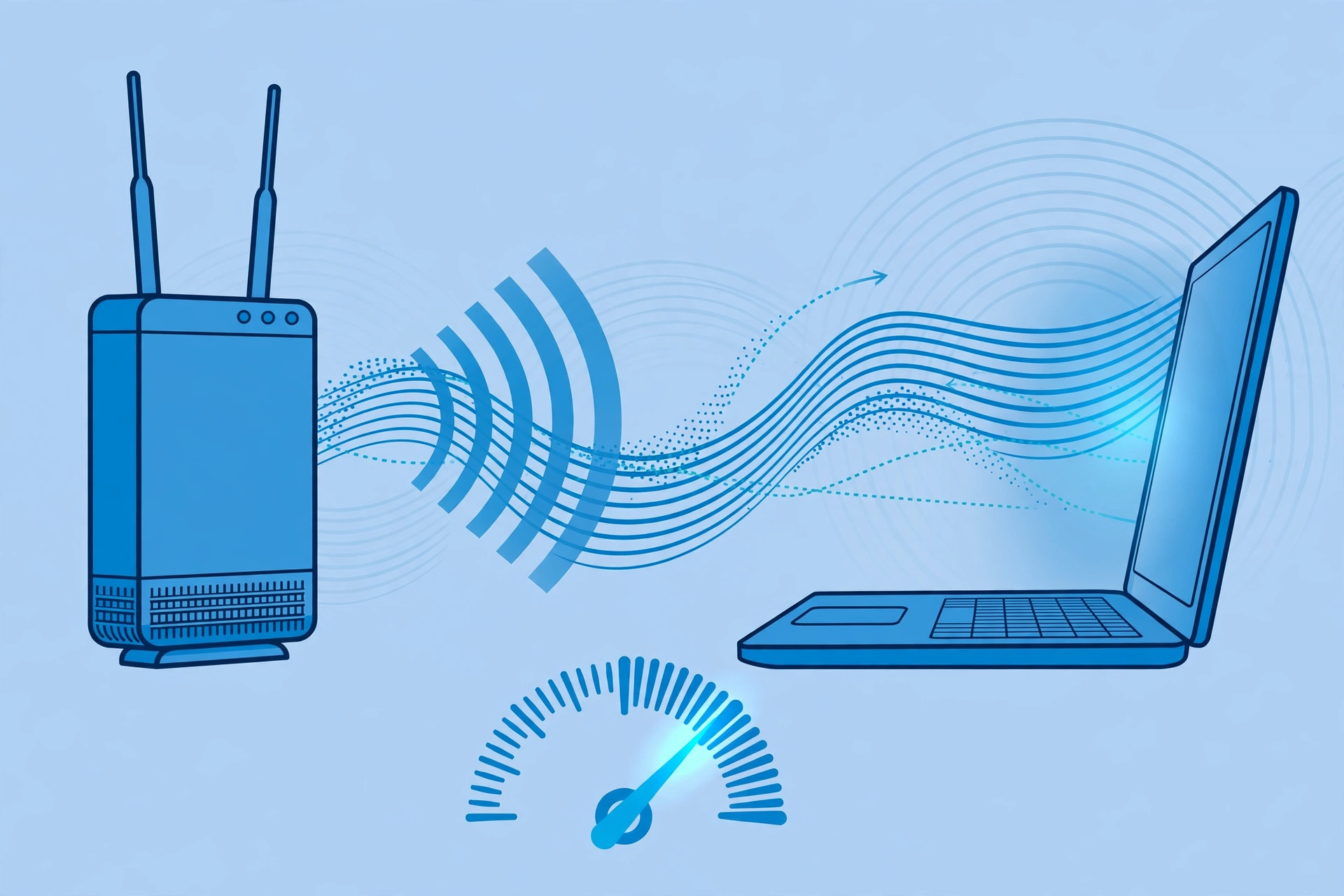
An internet ping test measures how long a signal takes to travel from your device to a server and back, and the result is reported in milliseconds. That round-trip time is your ping, and the technical name for the same delay is latency. The two words describe the same thing from different angles: latency is the delay itself, and ping is the common name for the test that measures it. A low number means a responsive connection; a high number means a sluggish one.
Ping is not the same as speed. Download speed measures how much data fits through your connection per second, while ping measures how quickly the first bit of data gets a reply. You can have a fast connection with a bad ping, and the result feels like lag: pages hesitate before loading, video calls talk over each other, and games respond late. For browsing and streaming, ping matters less, because those activities mostly need bandwidth. For calls, games and anything real-time, ping matters a great deal.
Jitter is the number people confuse with ping. Jitter measures how much your ping varies between measurements. If your ping reads 20, 21, 20 and 22 milliseconds, you have about 20 milliseconds of latency and almost no jitter, and the connection feels steady. If it reads 5, 40, 8 and 70 milliseconds, the average looks fine but the connection feels terrible, because the timing keeps jumping. A stable 30 millisecond ping often feels better than a connection bouncing between 15 and 120 milliseconds.
As a rough guide, under 20 milliseconds feels instant, 20 to 49 milliseconds is good for almost everything including games and calls, 50 to 99 milliseconds is acceptable for browsing and streaming but may show slight delays in fast games, and over 100 milliseconds starts to feel sluggish. Jitter under 5 milliseconds is rock solid, 5 to 14 is reliable, 15 to 29 is manageable with occasional hiccups, and over 30 is noticeably unstable. These are planning guides, not guarantees, because every test depends on the route, the server and the moment.
Packet loss is the third number worth checking. It is the percentage of data packets that never arrive and must be resent. Even 1 to 2 percent loss causes stutter in calls, lag in games and slow loading, and it usually points to a Wi-Fi, cabling or congestion problem rather than a speed problem. If a test shows loss, fix that before worrying about small ping differences.
To get a trustworthy result, test more than once and test the way you actually use the connection. A single ping is a snapshot, so run the test a few times and at the hour you care about. Test beside the router and then from your usual spot to separate Wi-Fi problems from connection problems, and compare Ethernet with Wi-Fi, because a cable removes most local interference. If jitter is high only on Wi-Fi, the fix is usually signal or channel related. If it rises during uploads, background uploads or cloud backups saturating the connection are the usual suspects.
Q: What is the difference between ping and latency? A: Practically none in a speed test. Latency is the delay; ping is the test that measures it as a round trip in milliseconds.
Q: Is low ping or low jitter more important? A: Both, but jitter is often misunderstood. A steady ping matters more for calls and games than a slightly lower average that keeps jumping.
Q: Why does my ping change between tests? A: Because the route, the server, the load on your connection and the time of day all change. Repeat the test and compare like with like.
📖 Continue Reading the Full Story
Continue reading this article on ViralBuzz 168.
⚡ Access Full Content NowMore from ViralBuzz 168


 🍿 CosmoCinema 998
Future Forecast: Typing Speed Test — WPM & Accuracy Test Online (Day 20 Guide)
Next-generation developments in Typing Speed Test — WPM & Accuracy Test Online on CosmoCinema 998. Discover es...
🎬 ReelHub Live
Technical Breakdown: Typing Speed Test — WPM & Accuracy Test Online (Day 14 Guide)
Architectural examination of our Typing Speed Test — WPM & Accuracy Test Online on ReelHub Live. Discover esse...
 🤖 WinBar AI
Speed & Latency Secrets: Typing Speed Test — WPM & Accuracy Test Online (Day 23 Guide)
Achieving sub-second response times using Typing Speed Test — WPM & Accuracy Test Online on WinBar AI. Discove...
⚡ CyberTech 568
Security & Integrity Review: Typing Speed Test — WPM & Accuracy Test Online (Day 17 Guide)
Protecting your assets and data using Typing Speed Test — WPM & Accuracy Test Online on CyberTech 568. Discove...