How Do Creators Turn One Viral Clip Into a Whole Week of Content?
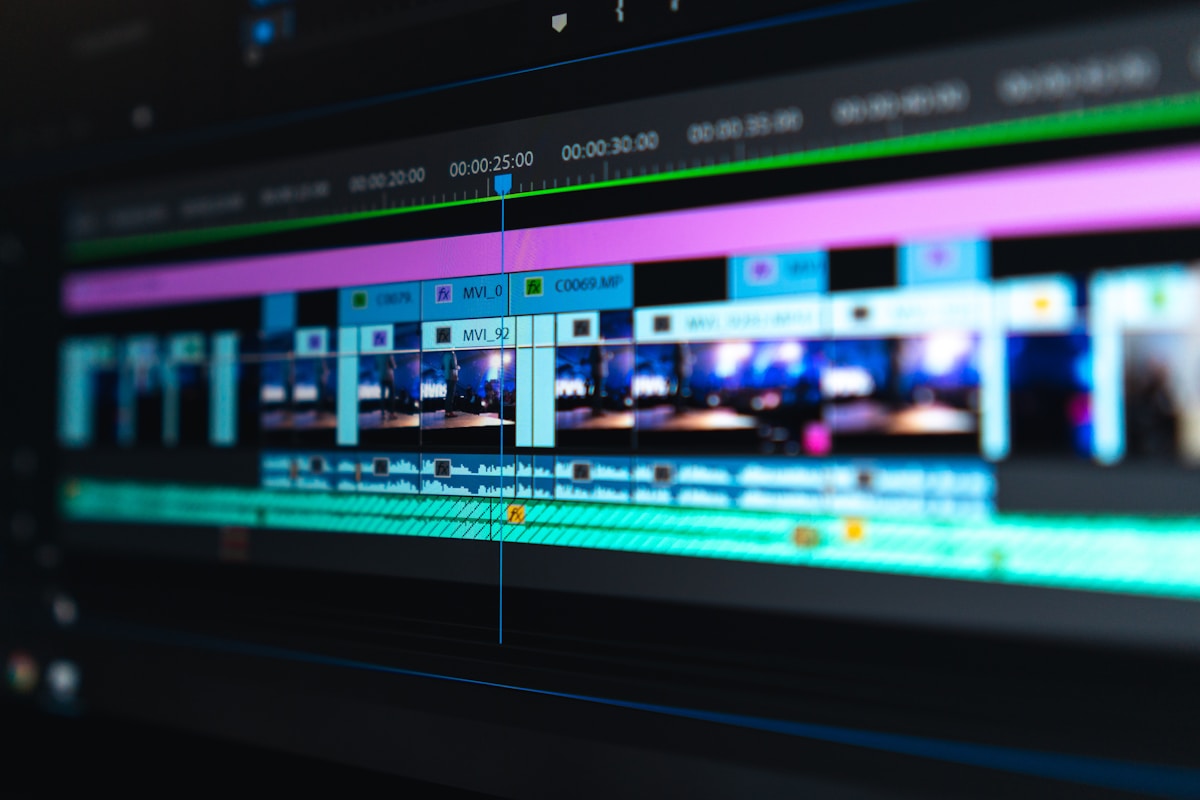
- Primary Signal: How Do Creators Turn One Viral Clip Into a Whole Week of Content?
- Overview: Split it, answer it, remix it — the practical week-long plan creators use to stretch one viral moment without boring fans....
- Verification: Analyzed and compiled by ViralBuzz 168 editorial monitoring desk.
One viral clip is not a week's worth of content on its own, but it can become one when a creator treats it as raw material instead of a finished product. The original video proves that an idea, a joke, or a moment resonates, and the smart move is to break that moment into smaller pieces, answer the questions it raised, and show the parts that did not make the first edit. This repurposing approach is why How Viral Memes Start is so relevant: a format that starts once can be remixed many times before audiences tire of it.
Start by splitting the clip into its strongest seconds, because a sixty-second video usually contains three or four moments that can each stand alone. A surprising opening can become a teaser, a funny reaction can become a standalone short, and a useful tip buried in the middle can become a tutorial, each posted with a different caption and hook. Reposting the exact same video every day will annoy followers, but giving each slice a new context, a new question, or a new ending keeps the idea fresh while reusing the work you already did.
The second step is to let the audience extend the story, because comments on a viral clip are a free brainstorming session. Answer the most common question in a follow-up video, film a behind-the-scenes explanation of how the clip was made, duet or stitch the best reactions, and invite viewers to try the idea themselves and tag you. Each response video counts as new content, deepens the connection with the people who made the first clip spread, and gives the algorithm fresh reasons to show your account to similar viewers.
Different platforms also need different versions, and a clip that worked as a vertical short may need a new edit for a longer video, a photo carousel, or a text post. A creator can turn one moment into a tutorial on one platform, a funny outtake on another, and a short written breakdown on a third, reaching three audiences without filming three separate ideas. The key is to adapt the format to each platform's habits rather than copying the same file everywhere, because viewers can tell when a post was made for a different app.
Planning the week in advance prevents burnout, and Funny Viral Clips Trends shows how trend cycles reward creators who post consistently while a topic is still warm. Map the week on the day the clip goes viral: day one, the original; day two, the best slice; day three, the behind-the-scenes; day four, the audience answers; day five, the tutorial; day six, the outtakes; day seven, the lesson learned. That structure gives you a posting rhythm without requiring a new idea every morning, and it leaves room to drop a planned post if a better audience question appears.
Finally, know when to stop, because How Creators Use AI Tools to Edit Viral Videos also illustrates how editing and repetition have limits. If views fall sharply, if comments turn from excitement to repetition, or if you are bored making the same joke, the week is over and the audience is ready for your next idea. A viral clip should fund your next project with attention and followers, not trap you into repeating it until people unfollow, and creators who move on at the right moment keep the goodwill their viral moment earned them.
A useful habit is to save every viral clip's raw footage, comments, and analytics in one folder, because that archive becomes the material for follow-ups, lessons, and future ideas, and it prevents the common mistake of losing the original file just when a brand or collaborator asks for it.
📖 Continue Reading the Full Story
Continue reading this article on ViralBuzz 168.
⚡ Access Full Content NowMore from ViralBuzz 168


 🎬 ReelHub Live
How Can Viral Creators Turn Missed Brand-Deal Calls Into Bookings?
Most brand managers never leave a voicemail — they call the next creator. An instant missed-call text-back giv...
 🍿 CosmoCinema 998
Best New TV Shows to Binge This Weekend in Fall 2026
Fall 2026 has delivered a strong run of new series across streaming. Here are the freshest shows worth startin...
 🛍️ Caylin Shop
Viral Desk Organizers Worth the Hype: A Home-Office Buying Guide
Not every viral desk organizer survives a real workweek. Compare monitor stands, drawer units, cable trays, an...
 ⚡ CyberTech 568
Step-by-Step Tutorial: Days Between Dates Calculator — Count Days & Weeks (Day 2 Guide)
How to accurately use the Days Between Dates Calculator — Count Days & Weeks on CyberTech 568. Discover essent...