How to Compress Video for WhatsApp Without Losing Quality
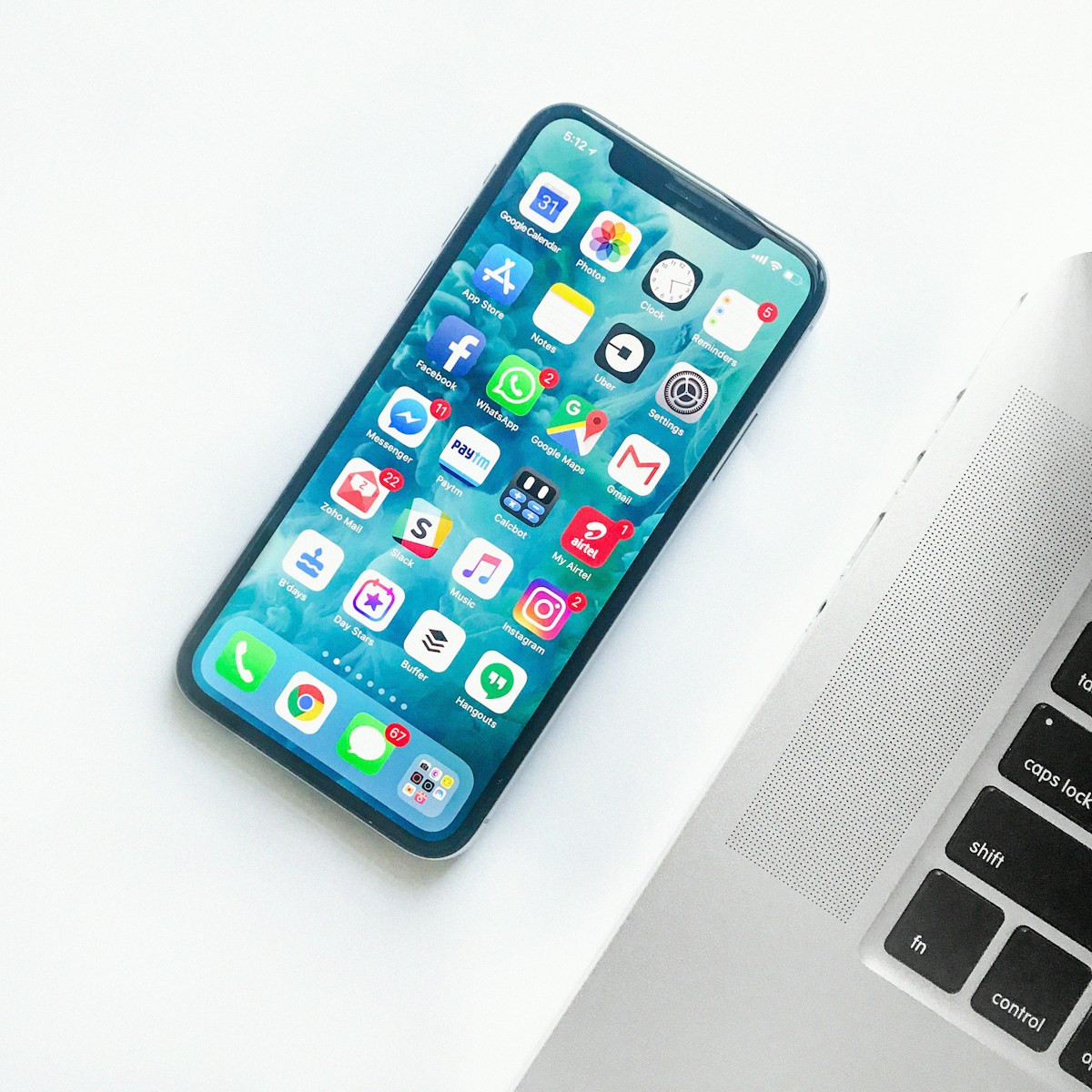
- Primary Signal: How to Compress Video for WhatsApp Without Losing Quality
- Overview: WhatsApp recompresses every video you send as media. This guide explains the document route that preserves full quality, plus how to compress videos yourself with the right resolut...
- Verification: Analyzed and compiled by ViralBuzz 168 editorial monitoring desk.
When you send a video through WhatsApp as a regular media message, the app recompresses it before delivery. On a fast connection it typically caps video at 720p, and on a slower connection it may drop to 480p, while also lowering the bitrate. The result is a file that uploads quickly and plays smoothly on the recipient's phone, but looks noticeably softer than the original, especially on larger screens or when the clip contains fast movement or fine detail.
The reason is practical: WhatsApp serves billions of users, many on limited mobile data plans, so it optimizes for small files and fast delivery rather than maximum fidelity. If you simply want to share a moment with family, that trade-off is fine. But if the video matters — a client's product demo, a wedding clip, or footage you shot carefully — you will want to control the compression yourself instead of letting the app decide for you.
The simplest way to send a video on WhatsApp without losing quality is to attach it as a document instead of as a video. Open the chat, tap the attachment button, choose Document, and select your video file. WhatsApp then transmits the file exactly as it is, with no recompression, up to the document size limit of 2 GB.
The trade-off is that the recipient receives a file to download and open rather than an inline video that plays directly in the chat. For many purposes that is a small price to pay for full quality. If the clip is short and casual, send it as media. If quality matters more than convenience, the document route is the correct choice, and it requires no extra app or tool at all.
When the file is too large even for the document route, or you want it to play inline without WhatsApp mangling it, compress it yourself before sending. The three levers that matter are resolution, bitrate, and codec. Dropping a 4K recording to 1080p or 720p is usually the single biggest saving, and on a phone screen the difference is hard to notice. Next, set a sensible bitrate: for a typical 720p clip, a video bitrate in the range of 2 to 4 megabits per second keeps the picture clean while keeping the file small.
Use MP4 with the H.264 codec and AAC audio, which is the combination WhatsApp and virtually every phone handles best. Free tools that do this well include HandBrake on desktop, which lets you set an exact target file size, and VLC Media Player, whose Convert and Save feature can re-encode any clip. On mobile, browser-based compressors can do the same job without installing anything. Whatever tool you use, always compress a copy and keep the original safe, because re-encoding is irreversible.
Start by asking how the video will be watched. If it will be viewed on a phone in chat, 720p is plenty. Trim dead footage from the start and end first, since trimming shrinks the file before compression even begins. Then export at 720p, H.264, with audio at 128 kbps, and check the result on your own phone before sending it on. If text or faces still look soft, raise the bitrate slightly rather than jumping back to a higher resolution, which costs far more file size for a smaller visible gain.
Finally, remember that WhatsApp Status videos go through a separate, heavier round of processing, so even a carefully prepared clip can look softer there. For Status, keep clips short and export them at the highest quality you can, then accept that some softening is built into the feature. For one-to-one and group chats, though, the combination of trimming, smart compression, and the document route gives you full control over how your video arrives.
📖 Continue Reading the Full Story
Continue reading this article on ViralBuzz 168.
⚡ Access Full Content NowMore from ViralBuzz 168
![Die 15 größten Veränderungen, da plastische Chirurgie und Gewichtsverlust die Emmys 2026 dominieren [Daten für 2026 als korrekt bestätigt.]](https://static.boredpanda.com/blog/wp-content/uploads/2026/09/cover_image_720_6aa936b3d15f0.jpg)
 🎮 GameVault 668
How to Create a Favicon for Your Website Free: A Complete Guide
A favicon is your brand's smallest ambassador. This guide shows how to design one that reads at 16 pixels, gen...
 💎 LuxeLiving 768
How to Check DNS Records of a Domain: A Beginner's Guide
Checking a domain's DNS records takes under a minute once you know the tools. This guide covers online lookup ...
 📦 Free2Rich Vault
The Pay Yourself First Budgeting Method: A Step-by-Step Guide for Beginners
The pay yourself first method flips the usual budgeting order: savings leave your account on payday, and you b...
 🍿 CosmoCinema 998
How to Download Movies on Amazon Prime Video for Offline Viewing (2026)
Flights, commutes, and dead zones do not have to end your movie plans. Here is how Prime Video's offline downl...